

c to compose a new email. Slashy gives you a rich text editor with autocomplete recipients, formatting shortcuts, file attachments, and multi-account sending.
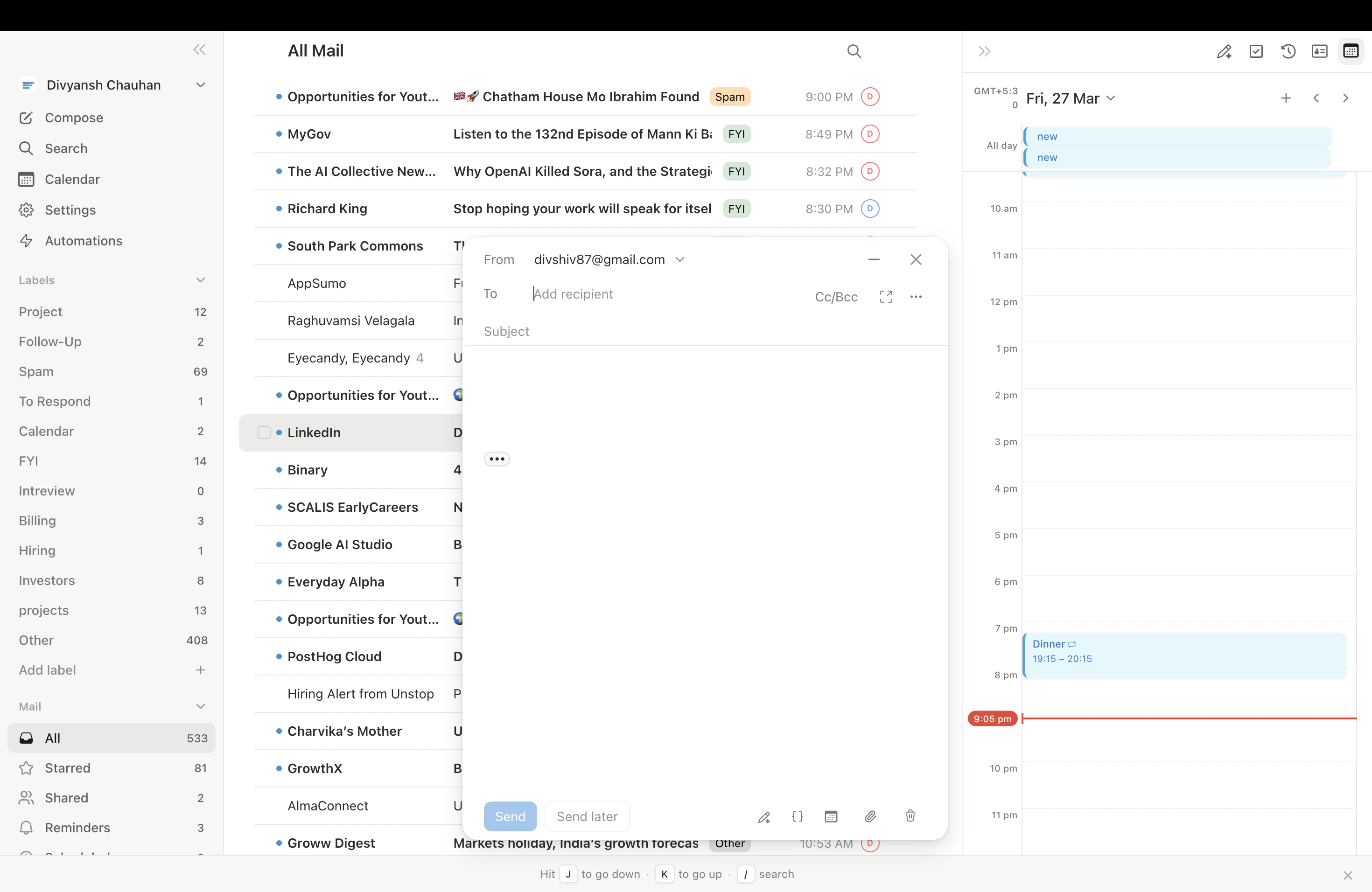
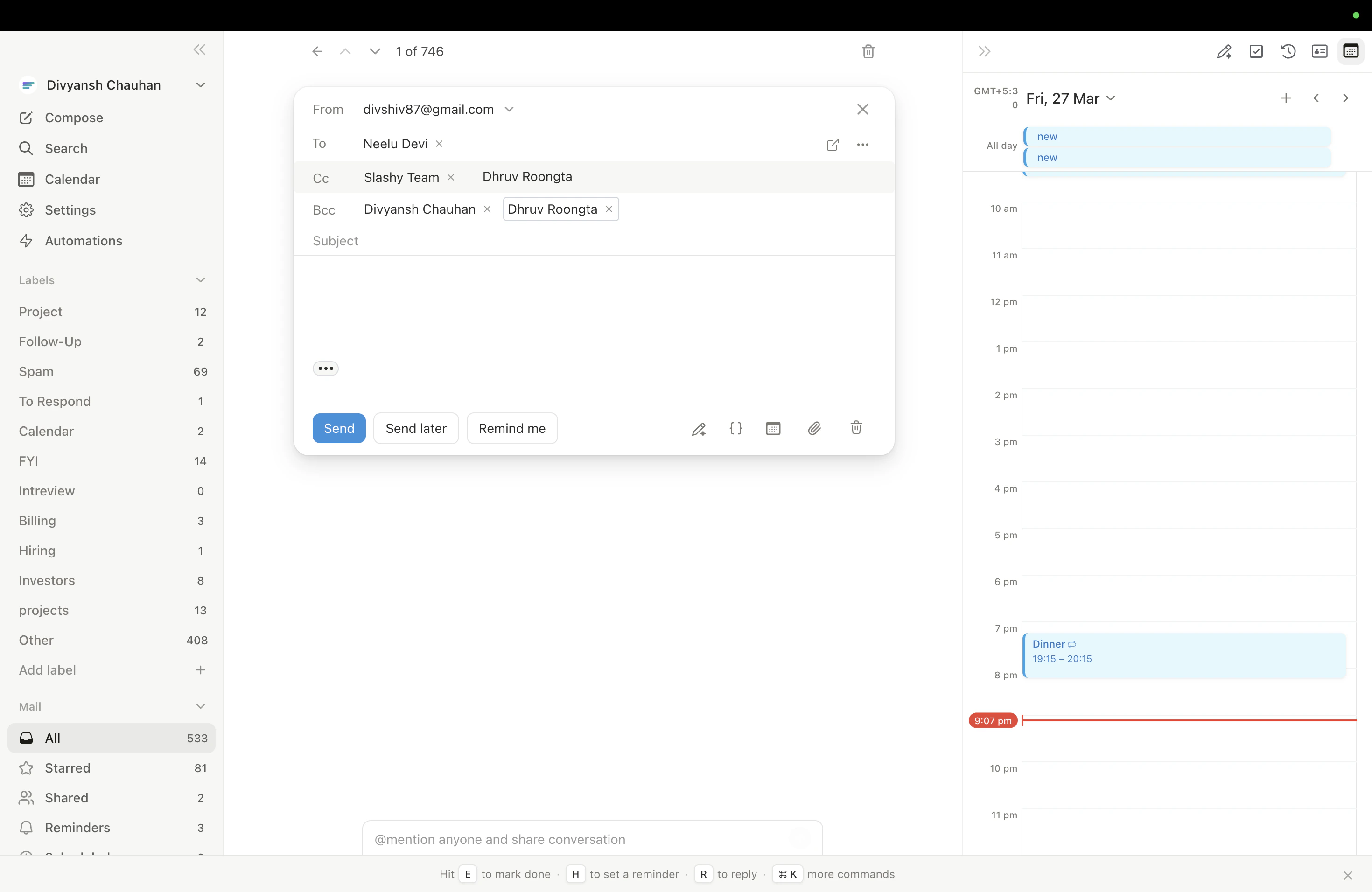
Full-Screen vs. Pop-Up Mode
| Mode | Description |
|---|---|
| Full-screen | Compose takes over the main area (default) |
| Pop-up | Floating window — reference inbox while writing, open multiple drafts |
Cmd+Shift+P. Set your default in Settings > Account > Compose Mode.
Recipients
Type a name or email in the To field — Slashy autocompletes from your contact history with fuzzy search. PressTab to cycle between To, CC, and BCC.
Drag and drop recipient chips between fields (To to CC, CC to BCC, etc.). Remove chips with the X button or Backspace.
From Selector
With multiple Gmail accounts connected, the From dropdown lets you choose which account to send from. Defaults to the account you’re currently viewing.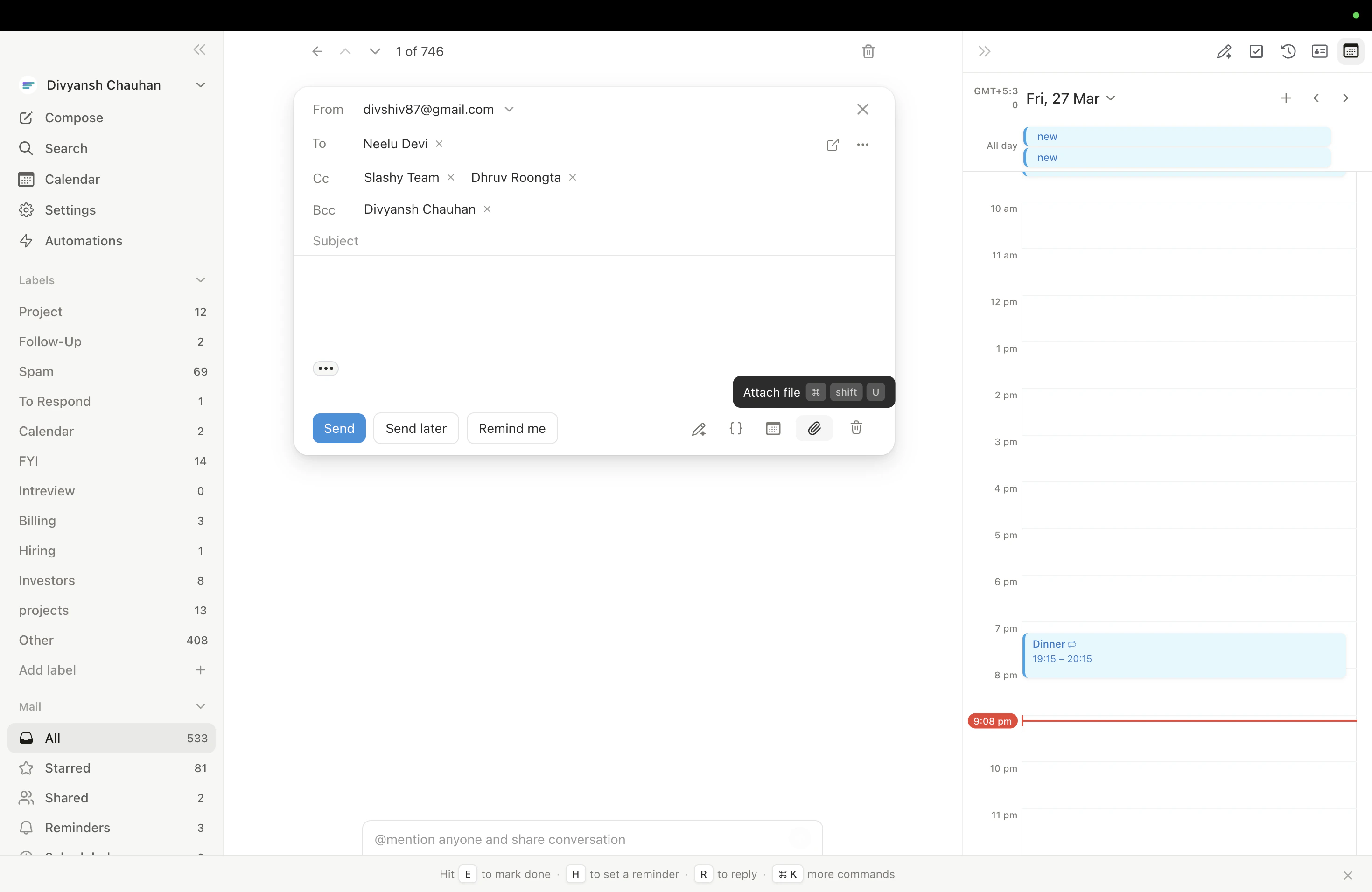
Rich Text Editor
| Format | Shortcut |
|---|---|
| Bold | Cmd+B |
| Italic | Cmd+I |
| Underline | Cmd+U |
| Strikethrough | Cmd+Shift+X |
| Highlight | Cmd+Shift+H |
| Bulleted list | Cmd+Shift+8 |
| Numbered list | Cmd+Shift+7 |
| Blockquote | Cmd+Shift+9 |
| Insert link | Cmd+K |
Attachments
AI Features While Composing
- AI Autocomplete — ghost text appears as you type; press
Tabto accept - AI Draft Reply —
Cmd+Enterin a reply to generate a full draft - AI Edit — select text and invoke the AI editor to improve, shorten, or fix grammar
- AI Email Rating —
Cmd+Pto score your draft with specific suggestions
Sending
- Send now:
Cmd+Enter(with undo send delay) - Schedule send:
Cmd+Shift+Enterto pick a future time - Send and Snooze:
Cmd+Option+H(Mac) /Ctrl+Alt+H(Win/Linux) sends the email immediately and opens the snooze picker so you can set a follow-up reminder in the same step. Archive-on-send follows your Done-on-Send setting.
”Sent with Slashy” Footer
Outgoing emails include a small “Sent with Slashy” footer by default. To remove it, go to Settings > Account > Compose & Reply and turn off the Sent with Slashy toggle.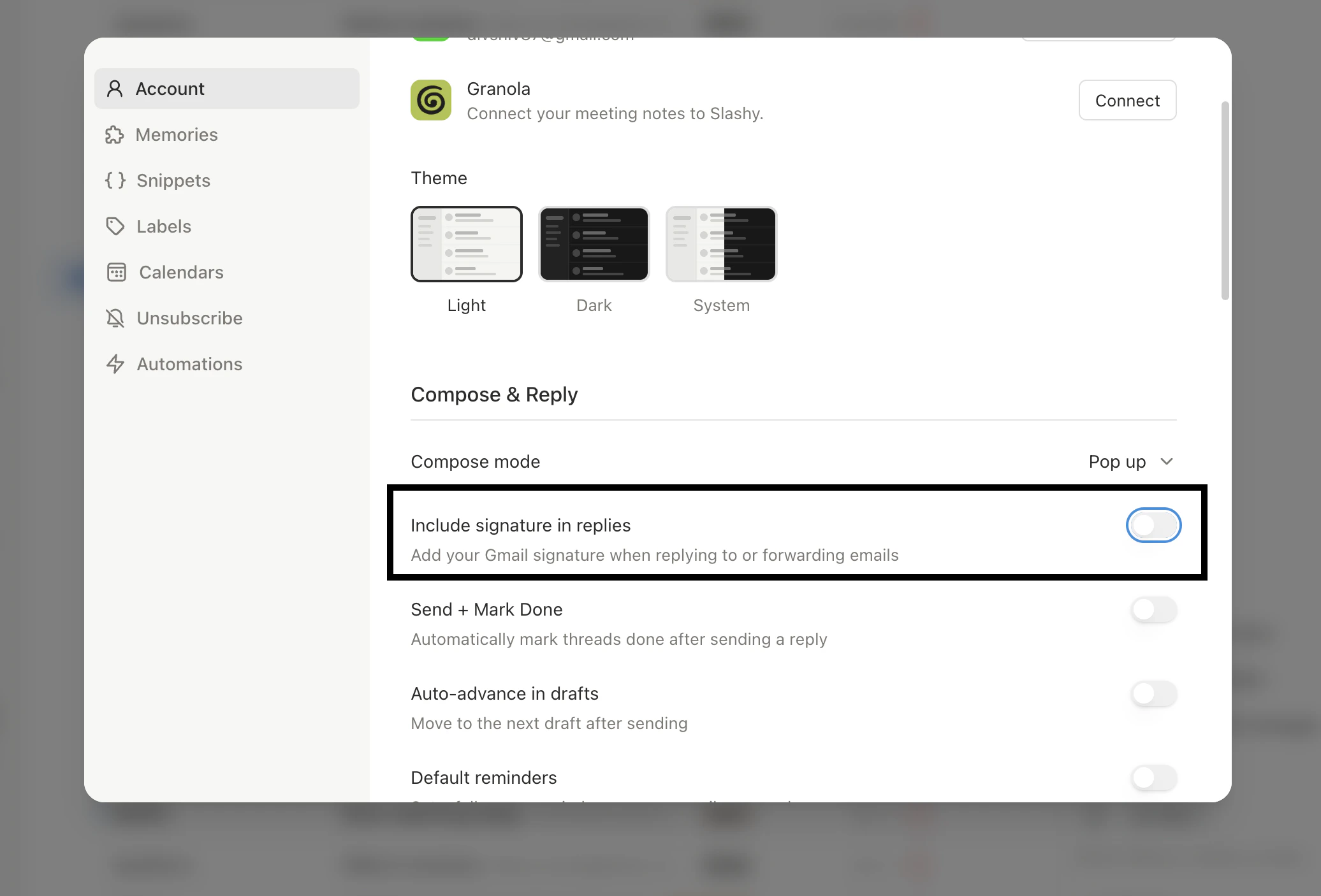
Snippets & Templates
Reusable email templates with AI variables
Signatures
Configure and manage email signatures
Unsubscribe & Block
Block senders and bulk unsubscribe