

Opening the Sidebar
Two ways to open it:p a— presspthenain sequence (panel: agent)Cmd+Shift+L— direct shortcut from anywhere
What the Agent Can Do
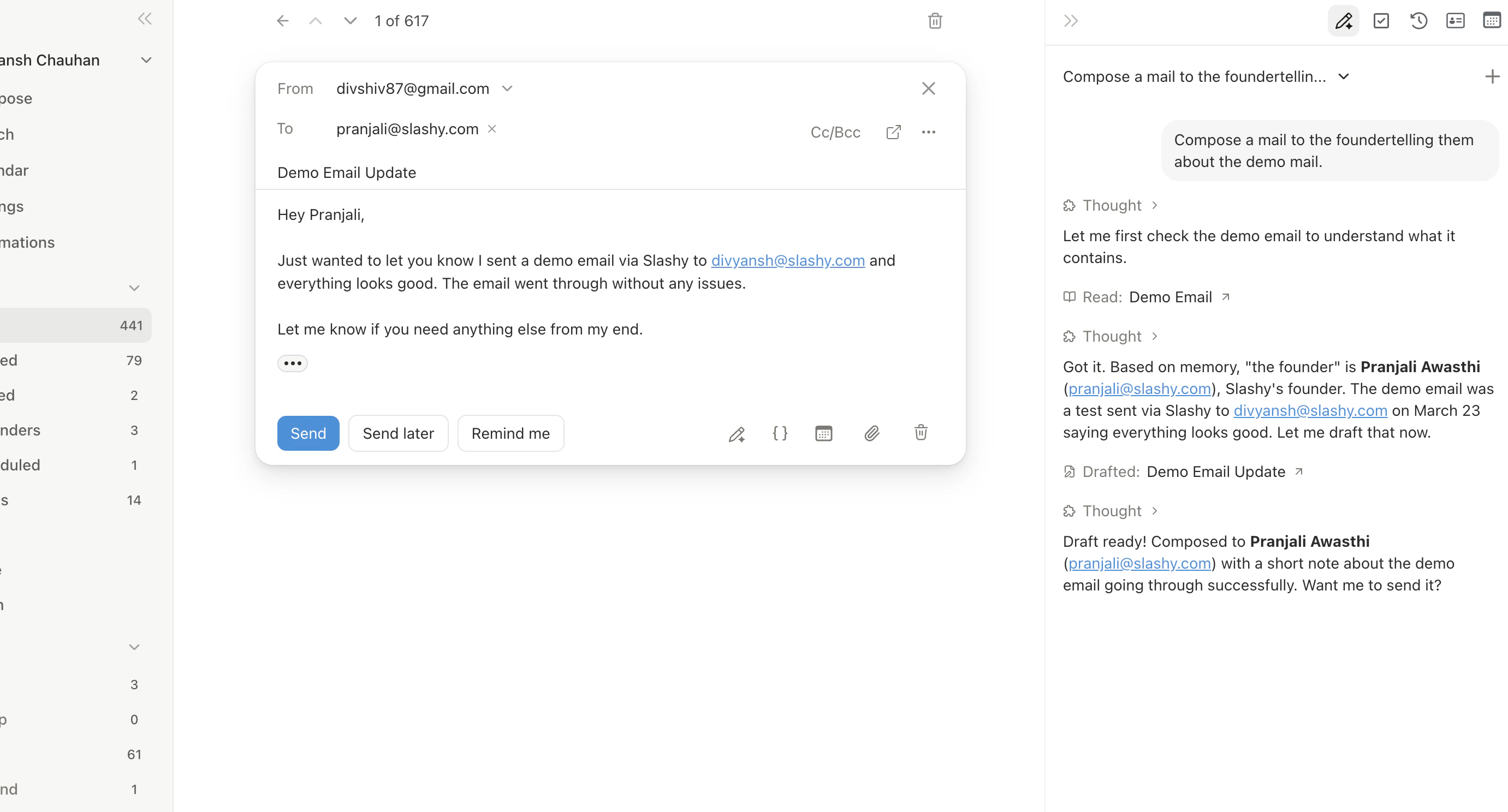
The agent has full tool access for email and calendar. Tool use indicators show what it did (e.g., “Searched emails,” “Created draft”).- Search emails — “Find all emails from Sarah last week about the budget”
- Read threads — “What did John say in his last email?”
- Draft and send — “Draft a reply saying we accept the proposal”
- Manage calendar — “Schedule a 30-minute call with Mike tomorrow”
- Create automations — “Set up an email trigger for receipts”
- Research contacts — “Look up this person on LinkedIn”
- Manage memories — “Remember that I always CC finance@ on vendor invoices”
Ambient Context
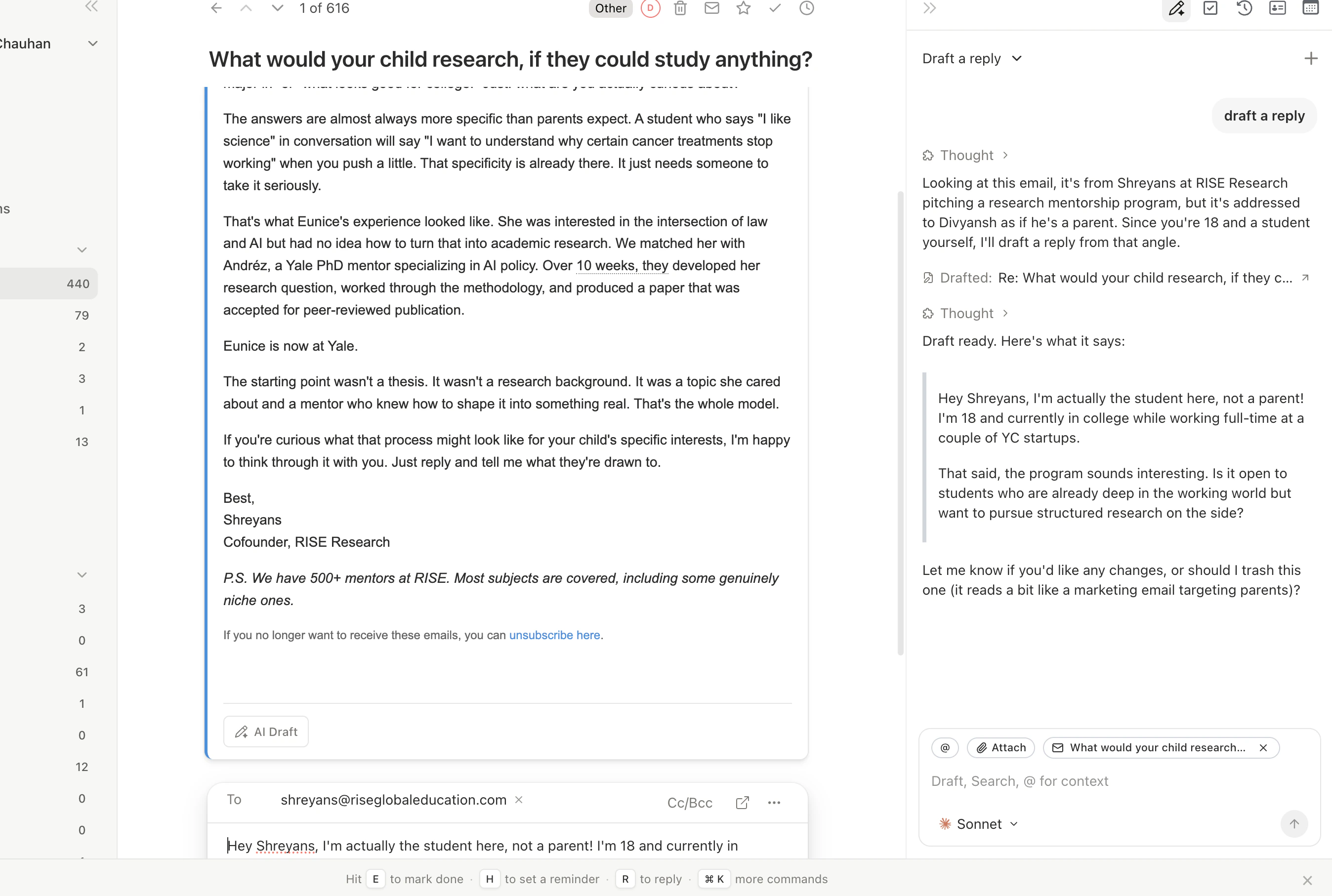
When the sidebar is open, the agent automatically picks up what you have selected or open, and displays a context chip above the input:- Email threads selected: the chip shows “N emails selected.” Ask “draft a reply to this” or “summarize these threads” without saying which ones you mean.
- Calendar event open: the chip shows the event name. Ask “prep me for this meeting” and the agent uses the attendees, notes, and description from that event.
File Upload
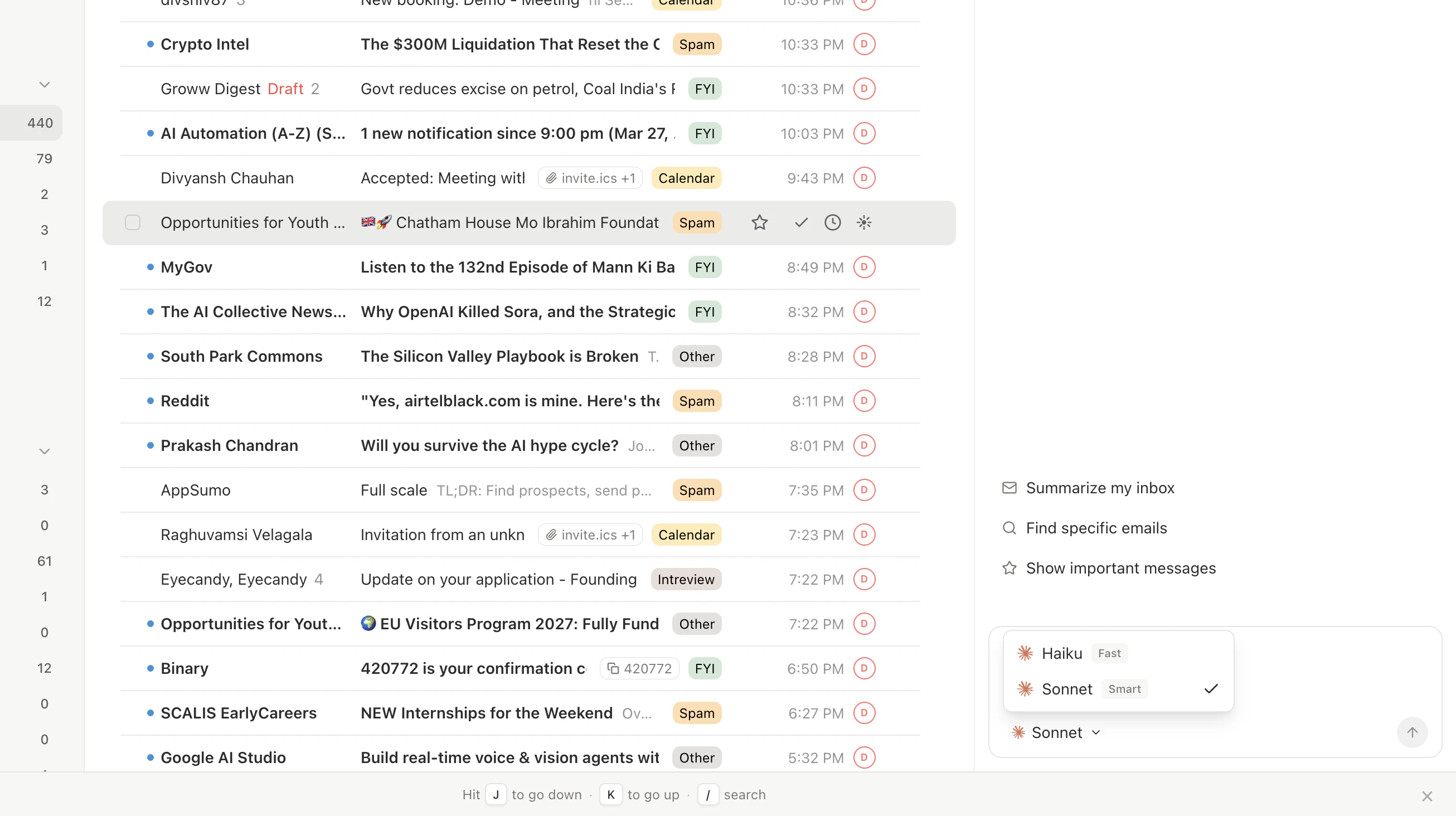
Upload files into the conversation via the attachment icon or drag-and-drop. Supports PDF, images, Word docs, and other common formats. The agent processes content and can reference it when drafting.Model Selector
| Model | Best For | Speed |
|---|---|---|
| Haiku | Quick questions, simple tasks | Fastest |
| Sonnet | Most tasks — good balance | Fast |
| Opus | Complex reasoning, nuanced writing | Highest quality |
Conversation History
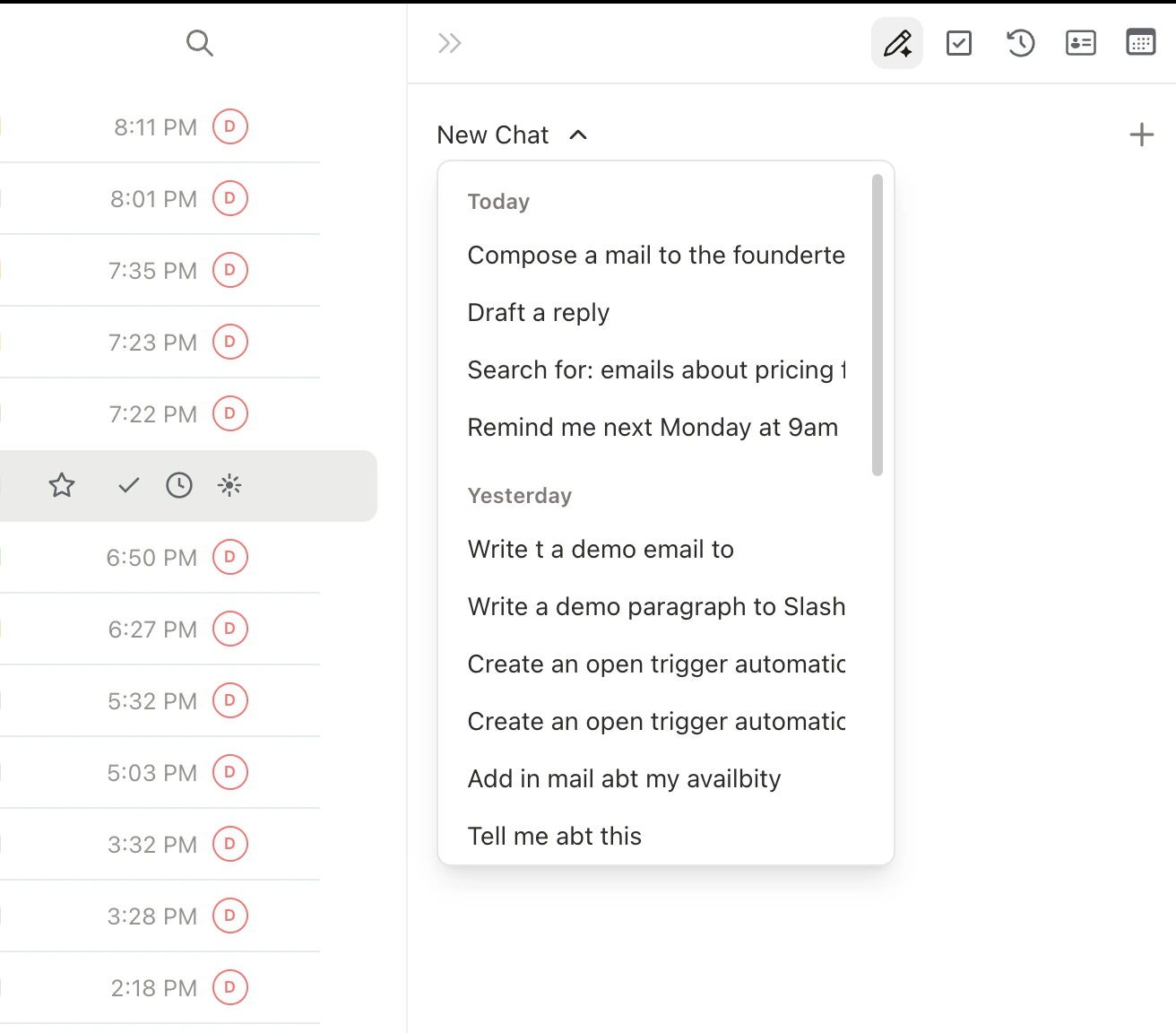
Past conversations are saved and searchable. Click the history icon at the top of the sidebar to browse previous chats. Start a fresh conversation withCmd+Alt+N.
The Command Palette
PressCmd+K to open the command palette. It has three modes:
- Commands
- Search
- Links
Type any action name: “Archive,” “Compose,” “Star,” “Go to Sent,” “Settings.” Every action in Slashy is accessible here.
Related Articles
Agent Autonomy
What the agent can and cannot do
Email Triggers
Automate actions on incoming email
Scheduled Reminders
Schedule the agent for future tasks
Keyboard Shortcuts
Every shortcut for navigating Slashy faster