

Download and Sign In
Download
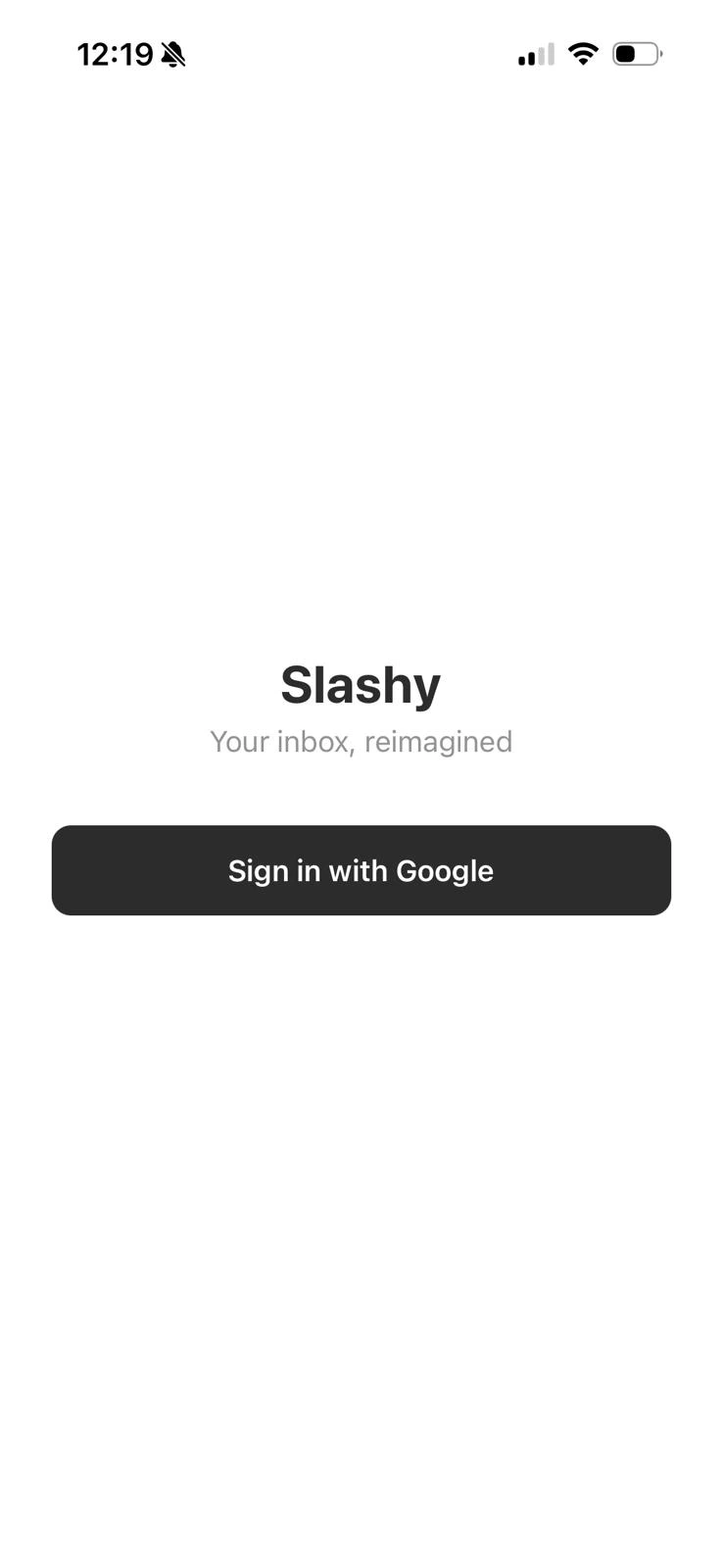
Get Slashy from the App Store.
Swipe Gestures
Each direction has two levels — short swipe and long swipe — giving you four actions total. Haptic feedback confirms which action you are about to trigger.| Direction | Short Swipe | Long Swipe |
|---|---|---|
| Right | Toggle Read/Unread | Set Reminder |
| Left | Archive | Trash |
Voice Transcription
On-device speech recognition (whisper-small). No audio sent to the cloud.- Open any compose window.
- Hold the “Hold to speak” button and talk.
- Release. Speech transcribes instantly into the compose field.
Bulk Actions
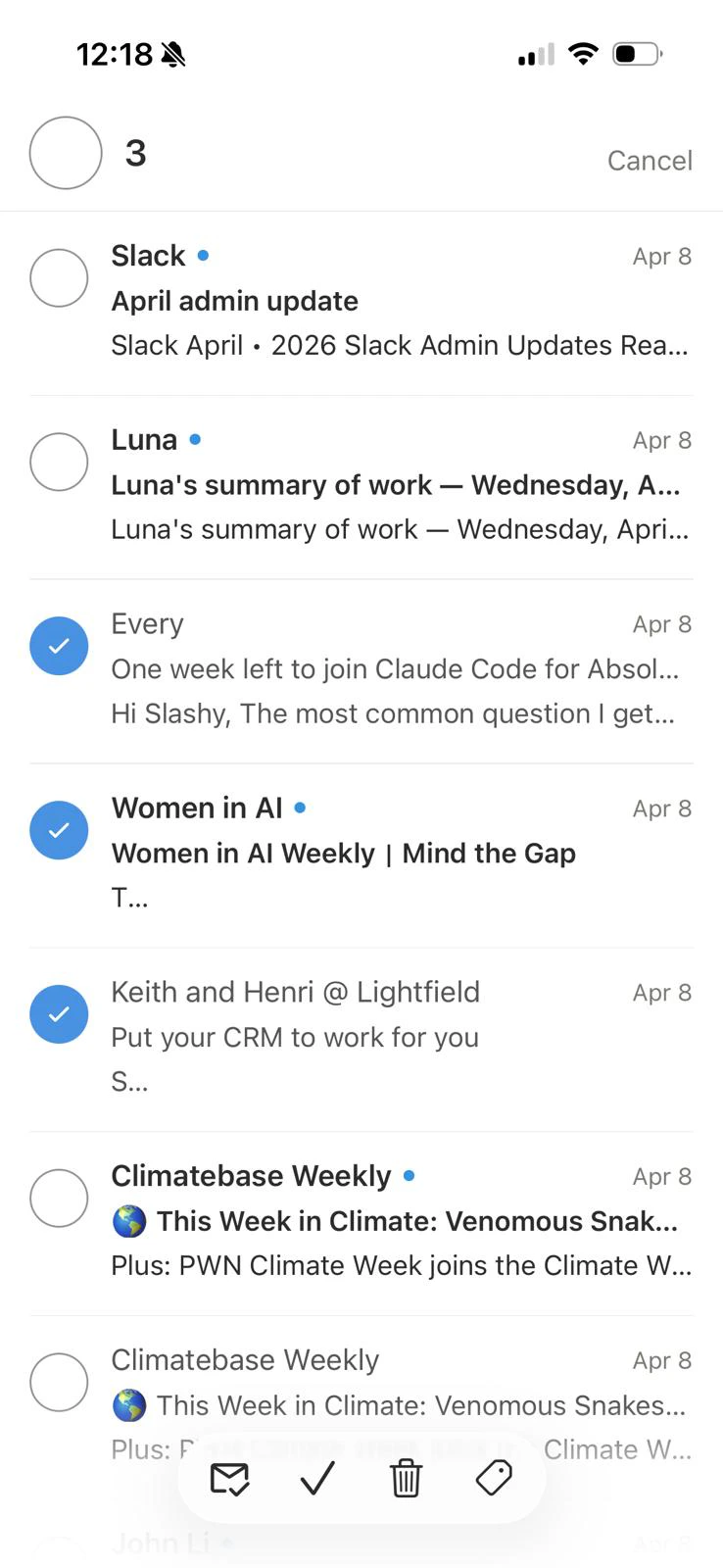
Long-press any thread to enter multi-select mode (haptic pulse confirms). Tap additional threads to add them to the selection, or tap Select All to grab every thread in the current view. A bottom action bar appears with:| Action | What it does |
|---|---|
| Mark Read | Marks all selected threads as read |
| Done | Archives all selected threads |
| Remind | Sets a reminder on every selected thread. Choose Tomorrow, Next Monday, or a custom time. |
| Trash | Moves selected threads to Trash |
| More (…) | Mark Unread, Set Label, Unsubscribe |
Sidebar Navigation
Open via the menu icon or swipe right from the left edge.- Labels — importance labels with unread counts
- Views — All Mail, Starred, Reminders, Scheduled, Drafts, Sent, Done, Trash
- Account switcher — tap your avatar to switch accounts or view unified inbox
Push Notifications
Enabled by default. If not working:- iPhone Settings > Notifications > Slashy — confirm allowed.
- In-app Settings > Notifications — confirm toggle is on.
- Force-quit and reopen to re-register the notification token.
Slashy suppresses notifications for threads you are currently viewing.
Multiple Accounts
Sidebar > tap avatar > Connect another address > complete OAuth. Switch accounts from the same menu, or select All for a unified inbox.TestFlight Migration
If migrating from the beta: download the App Store version, sign in with the same account, then delete the TestFlight build. Data syncs from the server.Known Limitations
| Feature | Status |
|---|---|
| Calendar view | Web/desktop only. Mobile agent can still create and check events via AI chat. |
| Newline in AI compose | Not available. Use voice dictation or full compose screen. |
| Snippets (templates) | Coming soon. Use the AI agent for templated replies. |
| Booking links | Create and manage from the web app. |
Related Articles
Your First Week
Day-by-day onboarding guide.
Calendar Setup
Sync, timezones, and booking links.
Desktop App
Install the macOS desktop app.
Mobile Fixes
Troubleshoot common mobile issues.